Find pending app updates
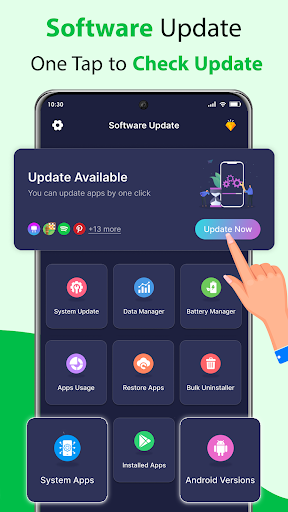
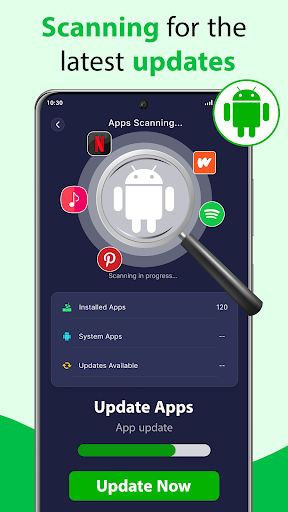
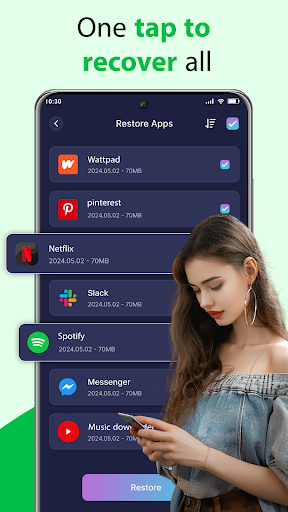
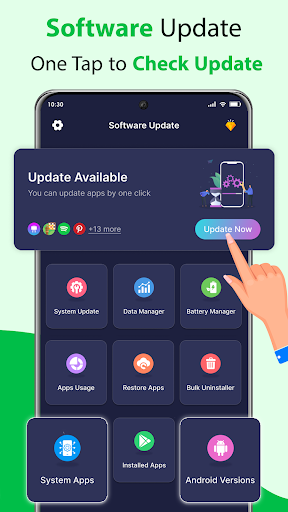
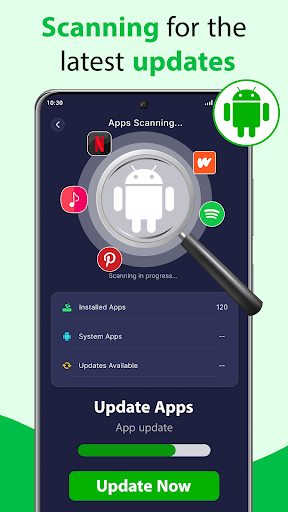
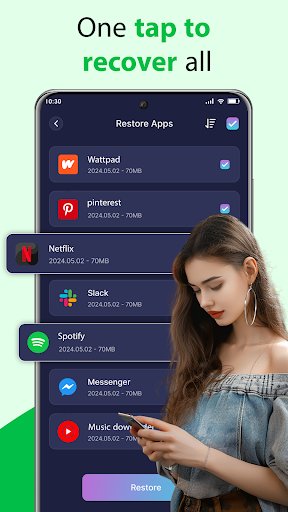
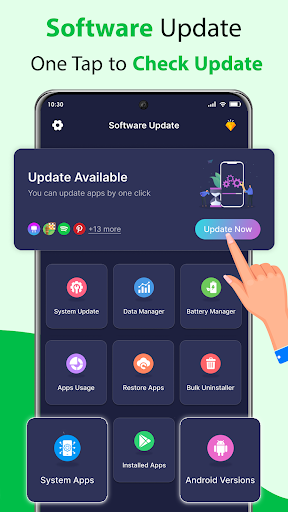
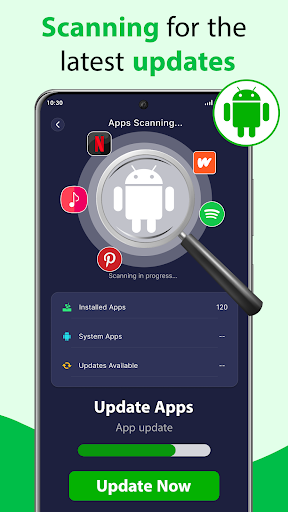
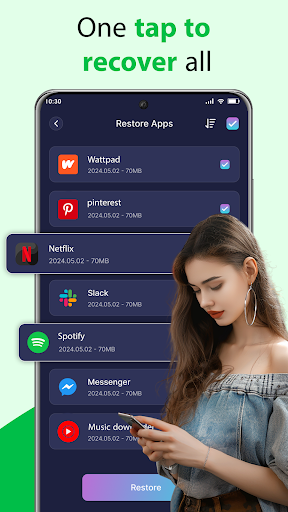
Software Update: App Update scans installed apps and games for available updates, then gathers the results in one list. It suits people who would rather check several apps from one screen than open each one to look for updates. The scan identifies what may need attention; updates are handled one app at a time through Google Play, rather than all being installed by the scanner at once.
Manage what is on your phone
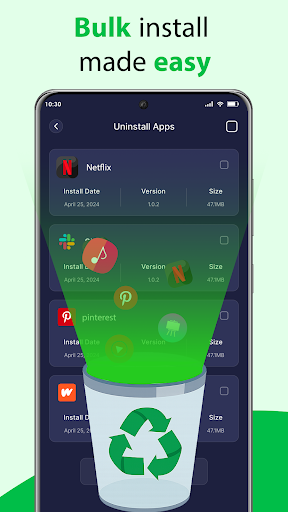
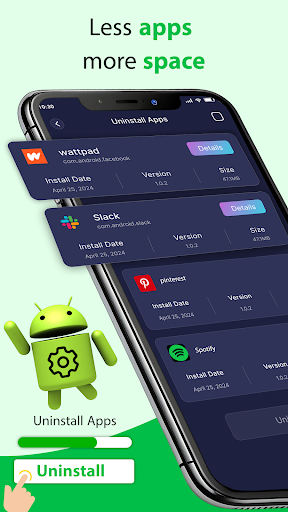
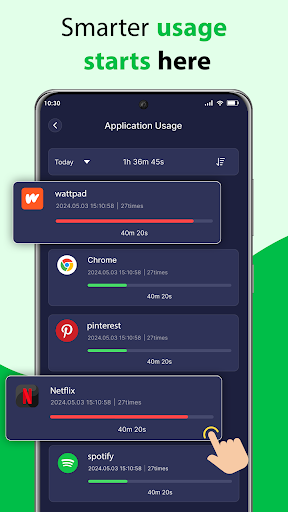
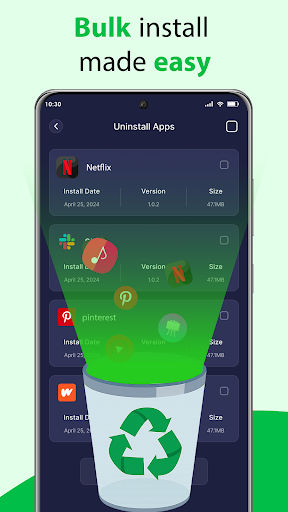
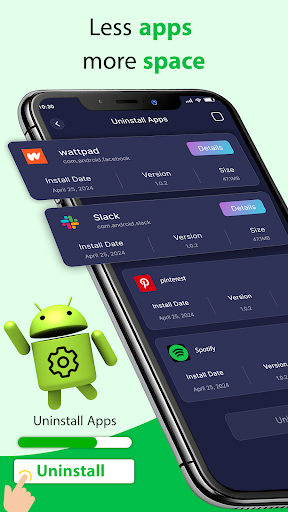
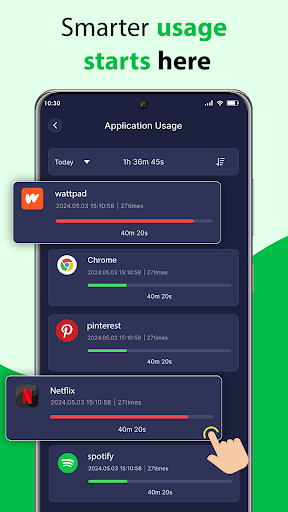
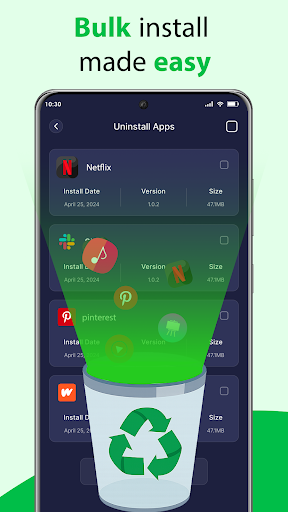
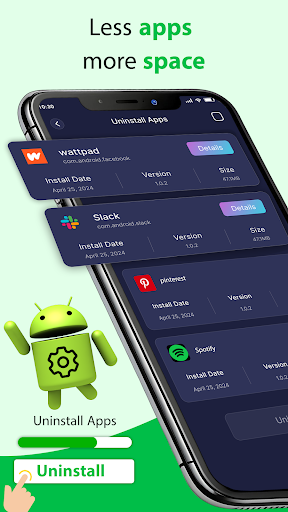
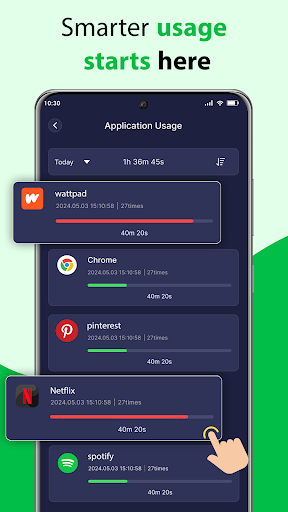
A separate app-management view lists installed apps and includes usage information, so you can see what is on the device and review how you use it. You can select user-installed apps to uninstall them. System apps are not removable through this tool, so it is not a way to clear every preloaded item from your phone.
Device details in the same tool
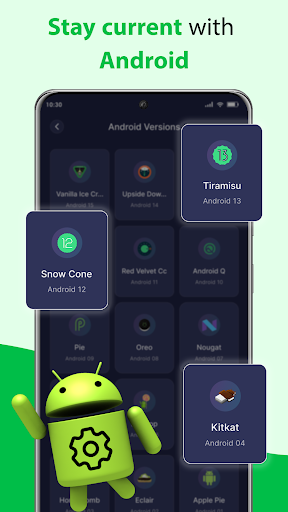
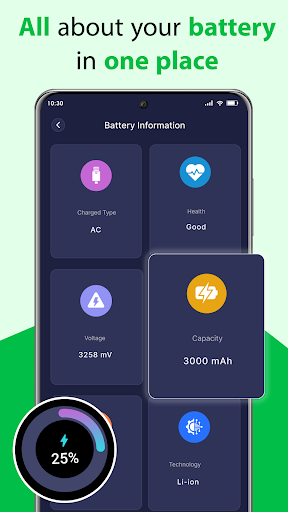
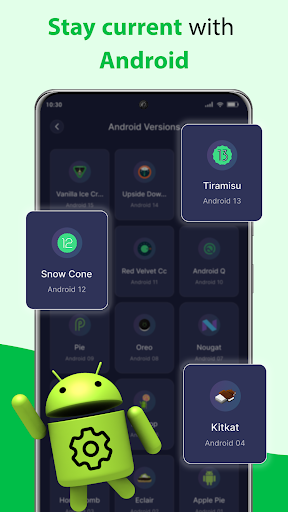
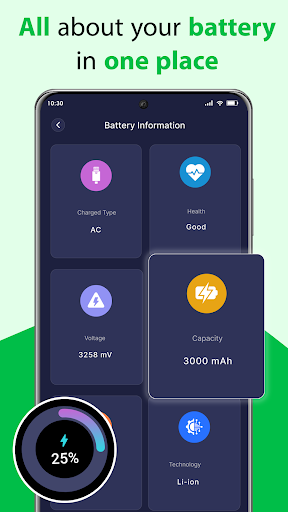
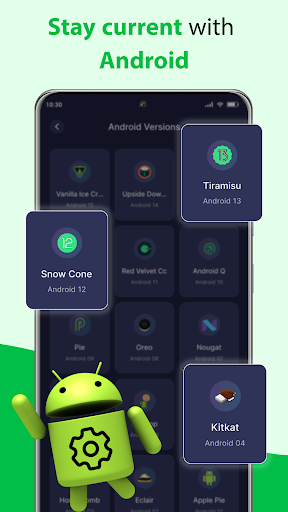
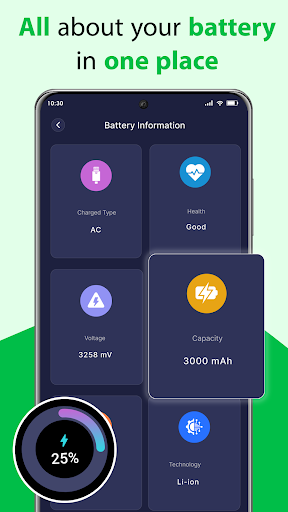
The app also displays device information such as the model, Android version, manufacturer, storage and Android ID. Battery information is included too. These are useful checks if you want basic details gathered in one place, but they are separate from finding app updates. The Android version information is not the same as installing an Android system update.
What to weigh before using it
Its main convenience is bringing update checks and app management together; you still need to review the results and act on individual updates. If you only want to update one app occasionally, opening that app’s Play Store page may be enough. If you often check a group of installed apps, a consolidated list may save some searching.
Software Update: App Update is published by Squad Apps Studio in the Tools category. It has a 4.05 rating from about 132,000 ratings and more than 5 million installs. Those figures indicate broad use, but whether its extra device and app information is useful depends on what you need to do.