Advertisement
Click to download now, finish the installation quickly, and directly unlock the all-round experience
Advertisement
Screenshots


Click to download now, finish the installation quickly, and directly unlock the all-round experience
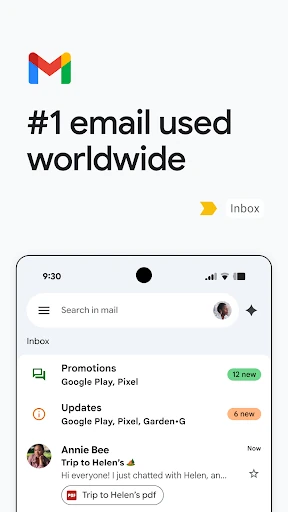
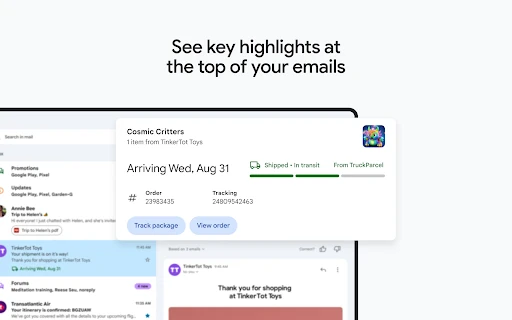
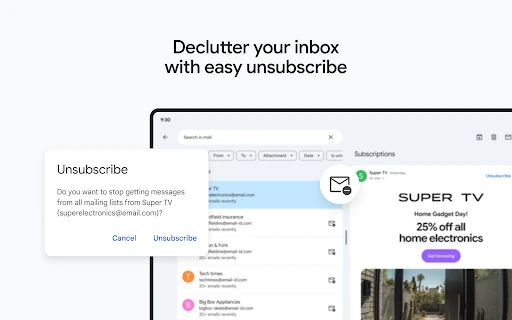
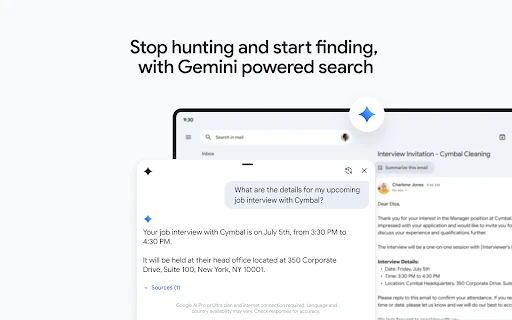
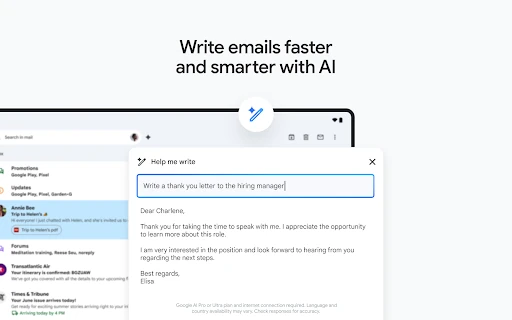
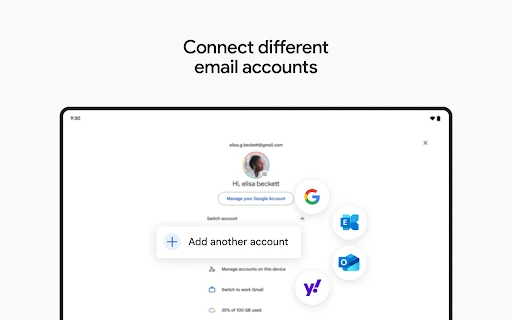
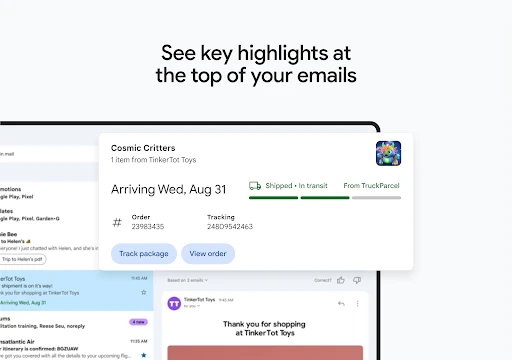
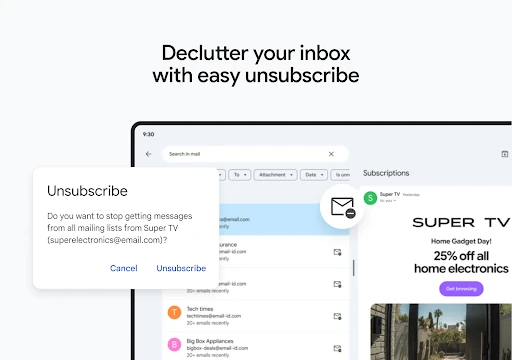
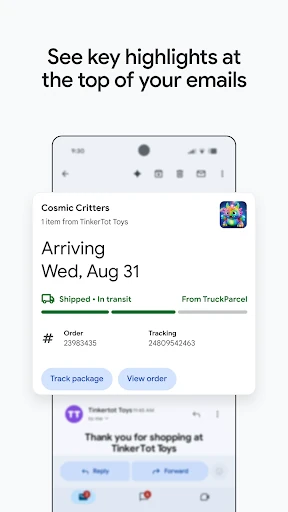
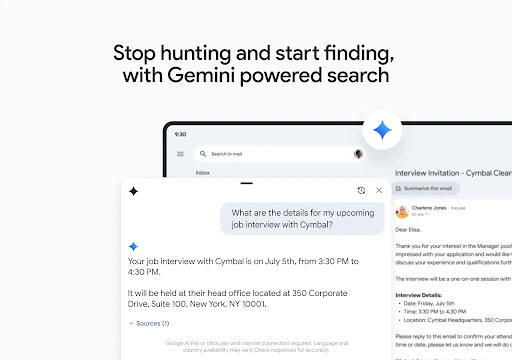
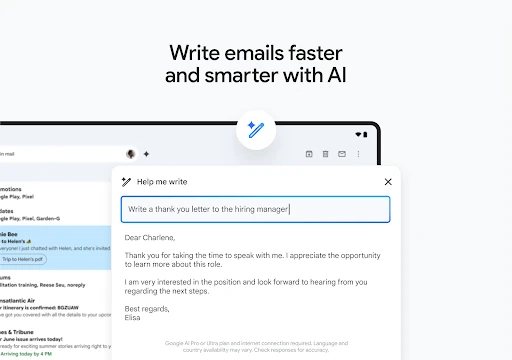
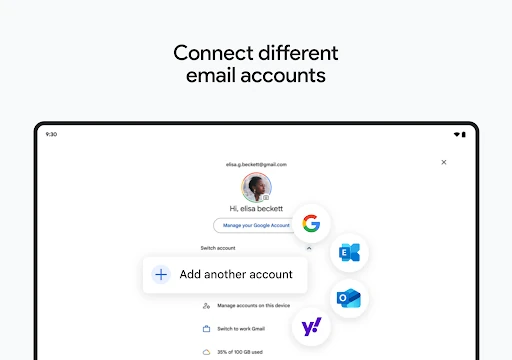
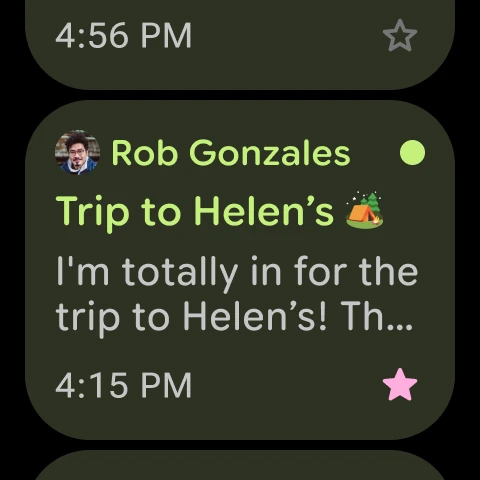
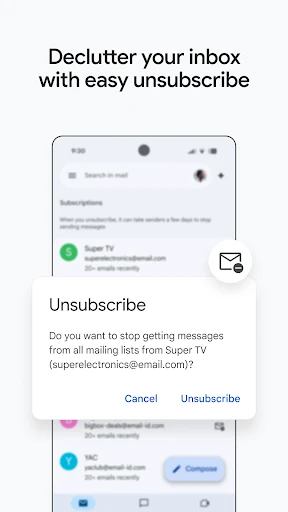
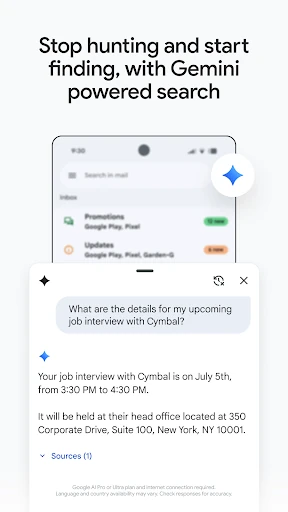
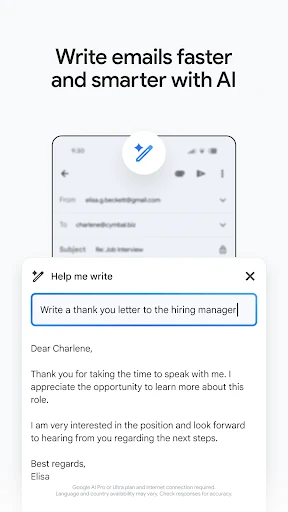
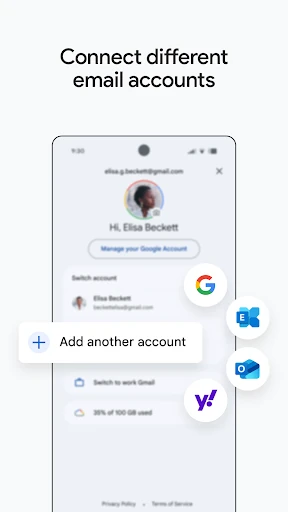
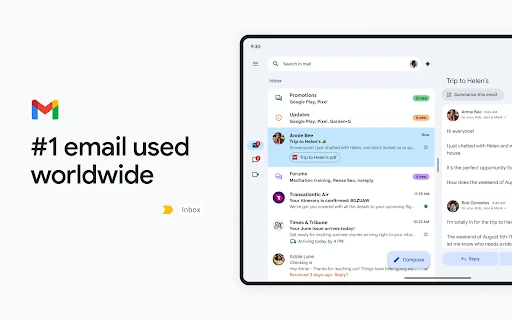
Gmail is Google’s email app for reading and sending messages, keeping track of conversations, and finding mail later. It suits people who already use a Google account, as well as anyone who wants an inbox on their phone for personal or work correspondence. You can search messages, handle attachments, and manage more than one email account from the app.
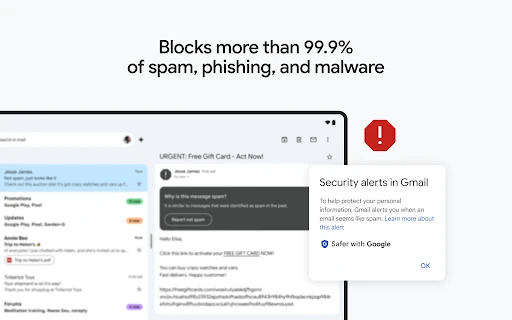
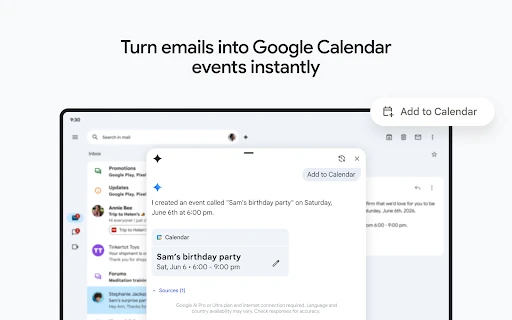
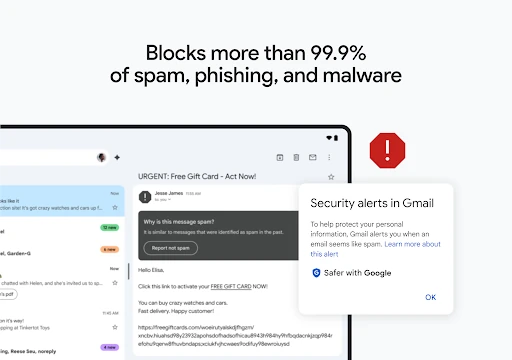
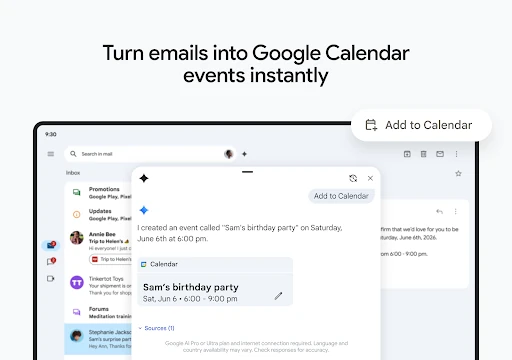
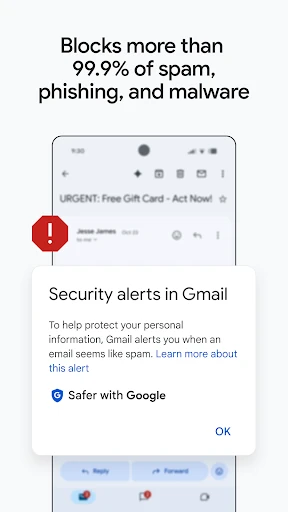
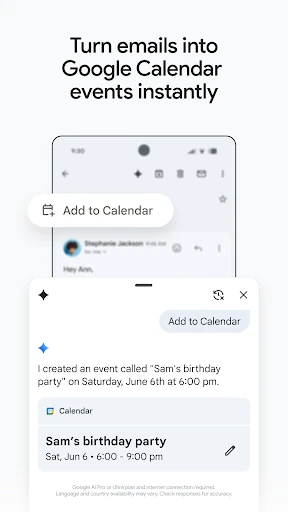
For routine tasks—replying to a school, confirming an appointment, or locating an old receipt—the main benefit is having messages and search in one place. Gmail also sorts out spam, and its links with Google services can make it easier to move from an email to related Calendar, Chat, or Meet tools. If your contacts and appointments are already in Google’s ecosystem, that can save some app-switching.
Gmail is built around email, but its connections to other Google services can add extra choices to the interface. If you only want a very simple mail reader, that may feel like more than you need. The app is most convenient when you are comfortable using Google’s services and signing in to an account; people who prefer to avoid that ecosystem may want to compare alternatives.
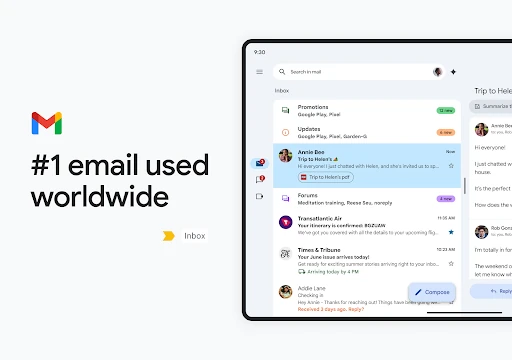
Gmail is published by Google LLC in the Communication category. Its 4.1-star rating comes from more than 14 million ratings, and the listing reports over 10 billion installs. Those figures show that it is widely used, but the practical question is whether its search, account handling, and Google connections match the way you manage email.